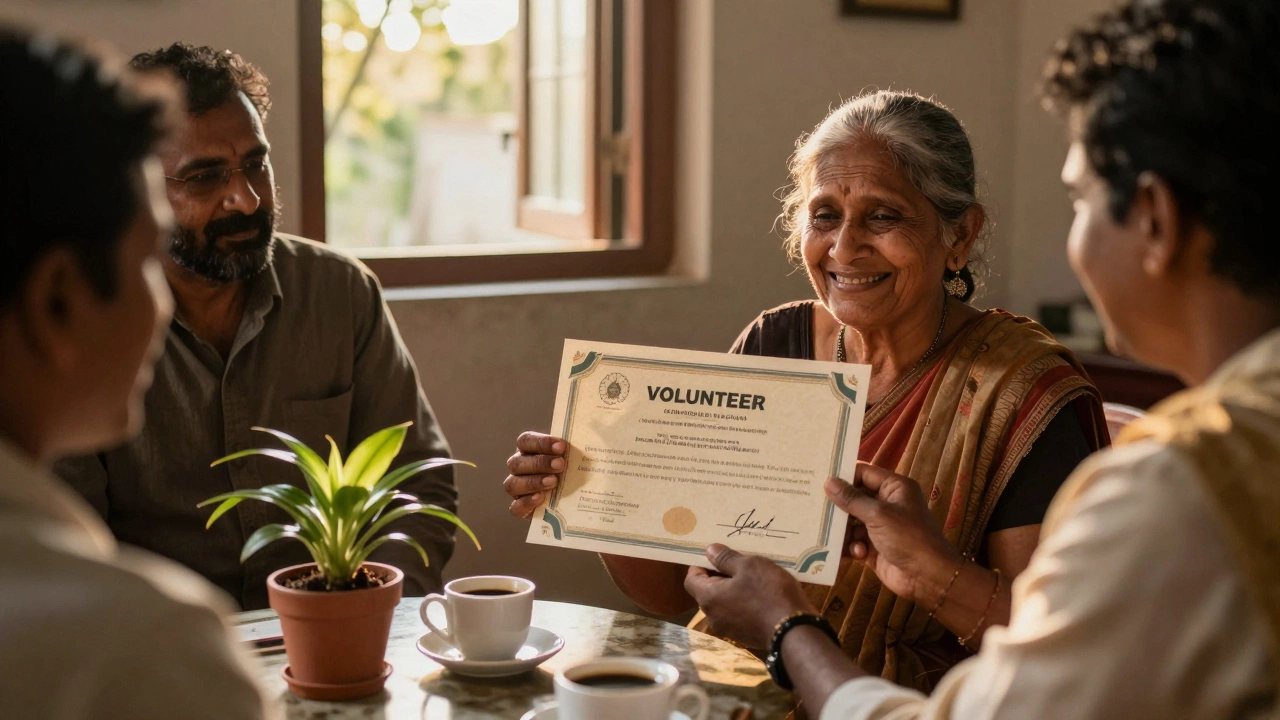
Volunteer Certificate Checker
Check Your Certificate
This tool verifies if your volunteer certificate includes all essential elements to make it meaningful and professional.
Results
If you’ve ever organized a volunteer event, led a community cleanup, or run a food drive, you know how much effort goes into making it happen. But what do you do when it’s time to say thank you? A volunteer certificate isn’t just a piece of paper-it’s proof of someone’s time, heart, and impact. And the good news? You don’t need to be a designer or a nonprofit expert to make one that feels real and meaningful.
Why a volunteer certificate matters
Volunteers don’t show up for paychecks. They show up because they care. A certificate is a small way to honor that. It’s not about the cost-it’s about the recognition. Studies from the Australian Bureau of Statistics show that over 6 million Australians volunteer each year. Many do it for years. Yet only a fraction ever receive formal acknowledgment. That’s a missed opportunity.A certificate helps volunteers feel seen. It can be used on resumes, college applications, or job interviews. For young people, it builds confidence. For older adults, it validates their contribution. For groups like refugee support networks or animal shelters, it’s a way to show donors and partners that their volunteers are valued.
What makes a good volunteer certificate
Not all certificates are created equal. A generic template with clip art and a robot font won’t cut it. Here’s what works:- Clear wording - No jargon. Say exactly what they did.
- Specific details - Name, hours, dates, project name.
- Official look - Logo, signature, seal, or letterhead if you have it.
- Personal touch - A handwritten note or signature adds warmth.
- Quality paper - Even a 200gsm cardstock makes it feel real.
For example, instead of writing: “Thank you for volunteering,” write: “This certificate recognizes Maria Chen for 87 hours of service supporting the North Sydney Food Bank between March and December 2025.” Now it means something.
Step-by-step: How to make a volunteer certificate
You can make one in under 20 minutes using free tools. Here’s how:- Choose your tool - Use Google Docs, Canva, or Microsoft Word. All have free templates. Canva has the most polished designs, but Google Docs works if you’re starting from scratch.
- Start with a blank document - Set the page to A4 or Letter size. Use landscape orientation for a more certificate-like feel.
- Add a title - Use bold, large font: “Certificate of Volunteer Service.” Center it at the top.
- Write the recognition text - Use clear, formal language. Example: “This is to certify that [Full Name] has contributed [Number] hours of dedicated service to [Organization Name] in support of [Project or Cause].”
- Fill in the details - Include the volunteer’s full name, total hours, start and end dates, and the name of the program or event.
- Add signatures - Leave space for at least one signature. Ideally, it should be from the program coordinator, director, or board member. If you’re a small group, the lead volunteer can sign too.
- Include your logo or emblem - Even a simple icon or wordmark gives it legitimacy. If you don’t have one, use the name of your group in a clean font.
- Print and present - Print on thick paper. Cut neatly. Hand it to them in person if you can. A quick photo with the volunteer makes it even more memorable.
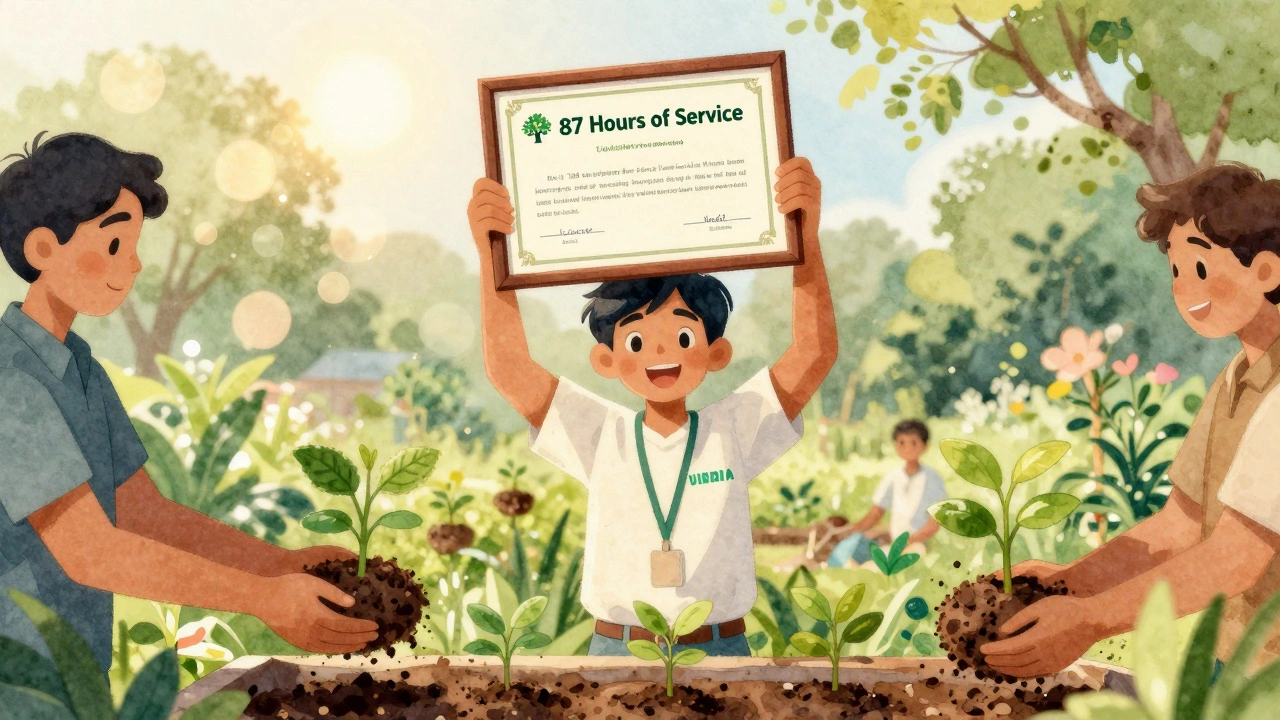
Free templates you can use right now
You don’t need to design from scratch. Here are three trusted, free sources:- Canva - Search “volunteer certificate” - dozens of editable templates. Download as PDF or PNG. No account needed for basic use.
- Google Docs - Go to Template Gallery > Documents > Certificates. Choose “Volunteer Recognition.”
- Microsoft Word - Open Word > New > Search “volunteer certificate.” Use the “Certificate of Appreciation” template.
All of these let you change the text, font, and colors. You can even add a border or background pattern if you want it to feel more official.
What to avoid
Even well-meaning organizations mess this up. Here are the top mistakes:- Using “Thanks for your help!” - Too vague. Volunteers want to know their impact was noticed.
- Missing dates or hours - Without numbers, it’s just a nice note. Numbers make it credible.
- Printing on regular printer paper - It looks cheap. Even if you’re on a budget, spend $10 on cardstock.
- Forgetting to sign - An unsigned certificate feels empty. Someone needs to take responsibility for giving it.
- Using clip art or stock photos of hands shaking - It’s overused and feels impersonal.
When to give out certificates
Timing matters. Don’t wait until the end of the year. Give them:- After a major event (like a community clean-up or fundraiser)
- At a small gathering - even if it’s just coffee and cookies
- When someone completes a milestone (50 hours, 1 year, etc.)
- When they’re leaving the group - a goodbye certificate is deeply meaningful
If you’re running a school club or youth group, consider giving certificates at the end of each term. It turns volunteering into a visible achievement.

Make it digital too
Not everyone wants a paper copy. Many volunteers, especially teens and young professionals, prefer digital badges or PDFs they can add to LinkedIn or email signatures. You can:- Send a PDF version via email with a personalized message
- Use a free tool like Badgr or Credly to issue digital badges
- Create a simple webpage on your organization’s site listing volunteers and their hours (with permission)
Digital certificates are easy to share and store. They also help attract new volunteers - people see what others have done and want to join.
Real example: A small group in Sydney made it work
The Bondi Beach Community Garden started with just five volunteers. They didn’t have a budget, but they wanted to say thanks. They used a free Canva template, printed on recycled cardstock, and added handwritten notes. After six months, they had 27 active volunteers. One told them: “I’ve never been given a certificate before. It made me feel like I belonged.”That’s the power of a simple certificate. It doesn’t cost much. But it changes how people feel about their work.
Final tip: Keep a record
When you give out a certificate, write down the volunteer’s name, hours, and date. Even a simple spreadsheet helps. You’ll need it later for grant applications, annual reports, or if someone asks for a reference. It also helps you track who’s been involved long-term - those are your core supporters.You don’t need a big budget or fancy software to show appreciation. You just need to care enough to take five minutes and say: “We saw you. We’re grateful.”
Do volunteer certificates need to be notarized?
No, volunteer certificates do not need to be notarized. They are tokens of appreciation, not legal documents. A signature from an authorized person in your organization - like the coordinator or director - is enough. Notarizing adds cost and bureaucracy without adding value for the volunteer or your group.
Can I use a volunteer certificate for college applications?
Yes, many students include volunteer certificates in their college applications, especially for leadership or community service sections. Admissions officers look for evidence of sustained commitment, not just participation. A certificate that includes specific hours, dates, and responsibilities helps prove that commitment. Always pair it with a short description of what you did and what you learned.
What if my organization doesn’t have a logo?
No problem. You can use your organization’s full name in a clean, bold font as a substitute. For example: “Northside Community Volunteers.” You can also add a simple border, icon like a tree or hand, or even a subtle background texture. The key is to make it look intentional, not rushed. Many small groups start without logos - they grow into them over time.
How many hours should a certificate list?
List the exact total hours the volunteer contributed during the period you’re recognizing. Don’t round up unless it’s very close - accuracy builds trust. For example, if someone gave 47 hours, write “47 hours.” If they volunteered for a full year, you can say “over 100 hours.” Be honest. Volunteers appreciate honesty more than inflated numbers.
Can I reuse the same certificate template for everyone?
You can use the same template, but never copy-paste the same text. Each certificate should be personalized. Change the name, hours, dates, and project. Even a small tweak - like adding a sentence like “Your work with the youth mentoring program changed lives” - makes it feel unique. People remember how you made them feel, not just what they received.